
Thank you for signing up! Please follow the steps below: Check your email inboxOpen the confirmation emailClick on the confirmation link Done! Once you click the confirmation link in the email, you will get instant access to your free product!© 2017 Landing Page. All rights Reserved. Disclaimer
Tag Archives: Confirmation
Phonic Email Confirmation Page
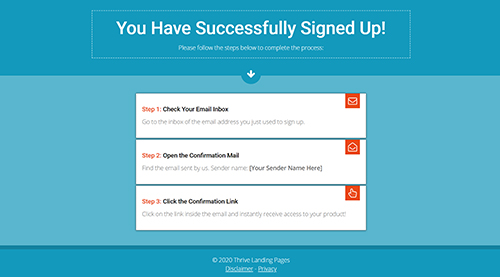
You Have Successfully Signed Up!Please follow the steps below to complete the process: arrow-down envelope-o Step 1: Check Your Email InboxGo to the inbox of the email address you just used to sign up. envelope-open-o Step 2: Open the Confirmation MailFind the email sent by us. Sender name: [Your Sender Name Here] hand-pointer-o Step 3: …
Lime Confirmation Page
You have successfully signed upPlease follow the steps below to finalize the process1Go to your Email InboxGo to your inbox of the email address you just used to sign up2Open the Confirmation EmailFind the email sent by us. It has the subject line Lorem Ipsum and is sent from Email Sender3Receive AccessClick on the link …
Confluence Email Confirmation Page
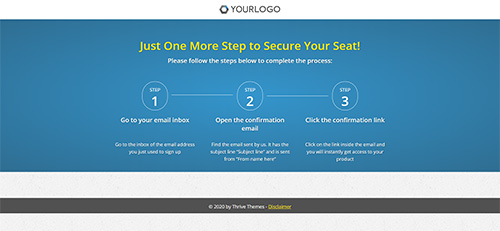
Simply the Best Way to Create Landing Pages Sign up now to get access to our Landing Page Demo: Get Instant Access © Thrive Landing Pages. All rights Reserved | Privacy Policy | Disclaimer
Vibrant Email Confirmation
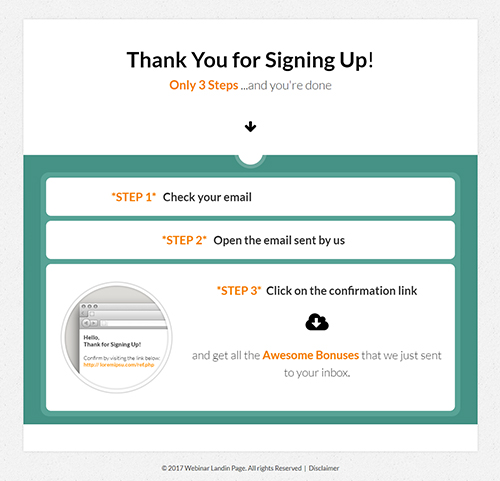
Thank You for Signing Up!Only 3 Steps …and you’re done arrow-down *STEP 1*Check your email *STEP 2*Open the email sent by us *STEP 3* Click on the confirmation link cloud-download and get all the Awesome Bonuses that we just sent to your inbox. © 2017 Webinar Landin Page. All rights Reserved | Disclaimer
Copy 2.0 Email Confirmation Page
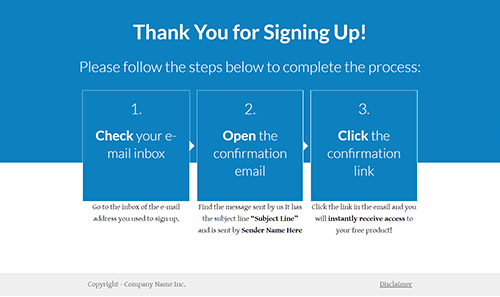
Thank You for Signing Up!Please follow the steps below to complete the process: 1.Check your e-mail inbox Go to the inbox of the e-mail address you used to sign up. 2.Open the confirmation email Find the message sent by us It has the subject line “Subject Line” and is sent by Sender Name Here 3.Click the confirmation …
Storyteller Email Confirmation
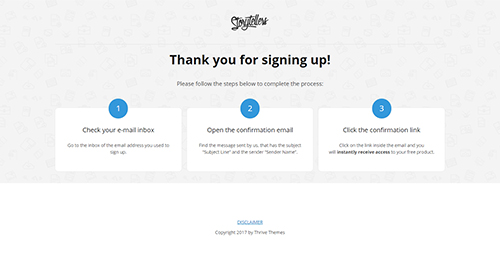
Thank you for signing up!Please follow the steps below to complete the process: 1 Check your e-mail inboxGo to the inbox of the email address you used to sign up. 2 Open the confirmation emailFind the message sent by us, that has the subject “Subject Line” and the sender “Sender Name”. 3 Click the confirmation …
Mini Squeeze 2 Email Confirmation
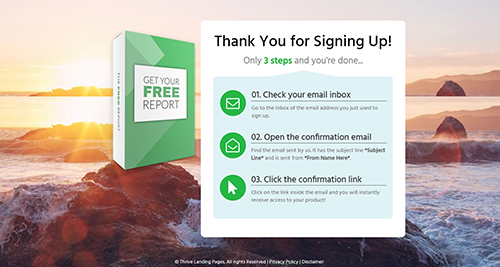
Thank You for Signing Up!Only 3 steps and you’re done… envelope-o 01. Check your email inboxGo to the inbox of the email address you just used to sign up. envelope-open-o 02. Open the confirmation emailFind the email sent by us. It has the subject line *Subject Line* and is sent from *From Name Here*. mouse-pointer …