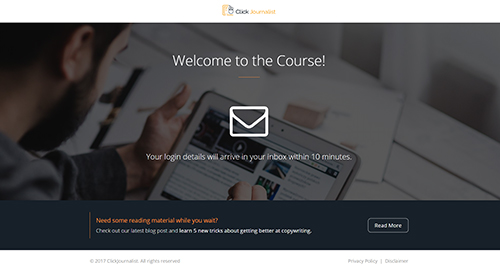
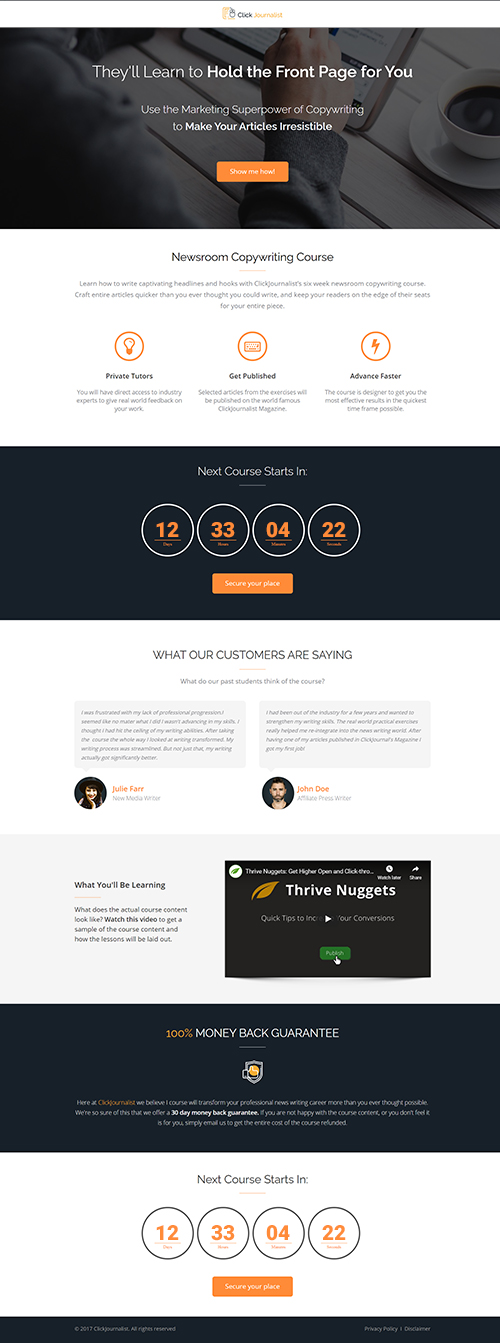
This page includes a Lightbox template that will trigger as a visitor begins exiting this page. You will need to either edit and connect this Lightbox to your email service provider, or remove it from the page.
To Edit or Delete the Lightbox
Step 1: Go to Page Setup by clicking the icon left of the Save button
Step 2: Click on Settings
Step 3: Click on Setup Page Events
Step 4: A window will open showing the page events. You can customize the Lightbox by clicking the EDIT THIS LIGHTBOX text. or you can delete the exit intent Ligthbox by clicking the trash can icon.
If you'd like more detailed information on Thrive Architect Lightboxes, and the best ways to use them, read this post on lead generation with Thrive Architect.The section "3. Set Up an Exit-Intent Lightbox" explains Exit Intent Lightboxes, like the one on this page. Post URL: thrivethemes.com/list-building-thrive-architect/